
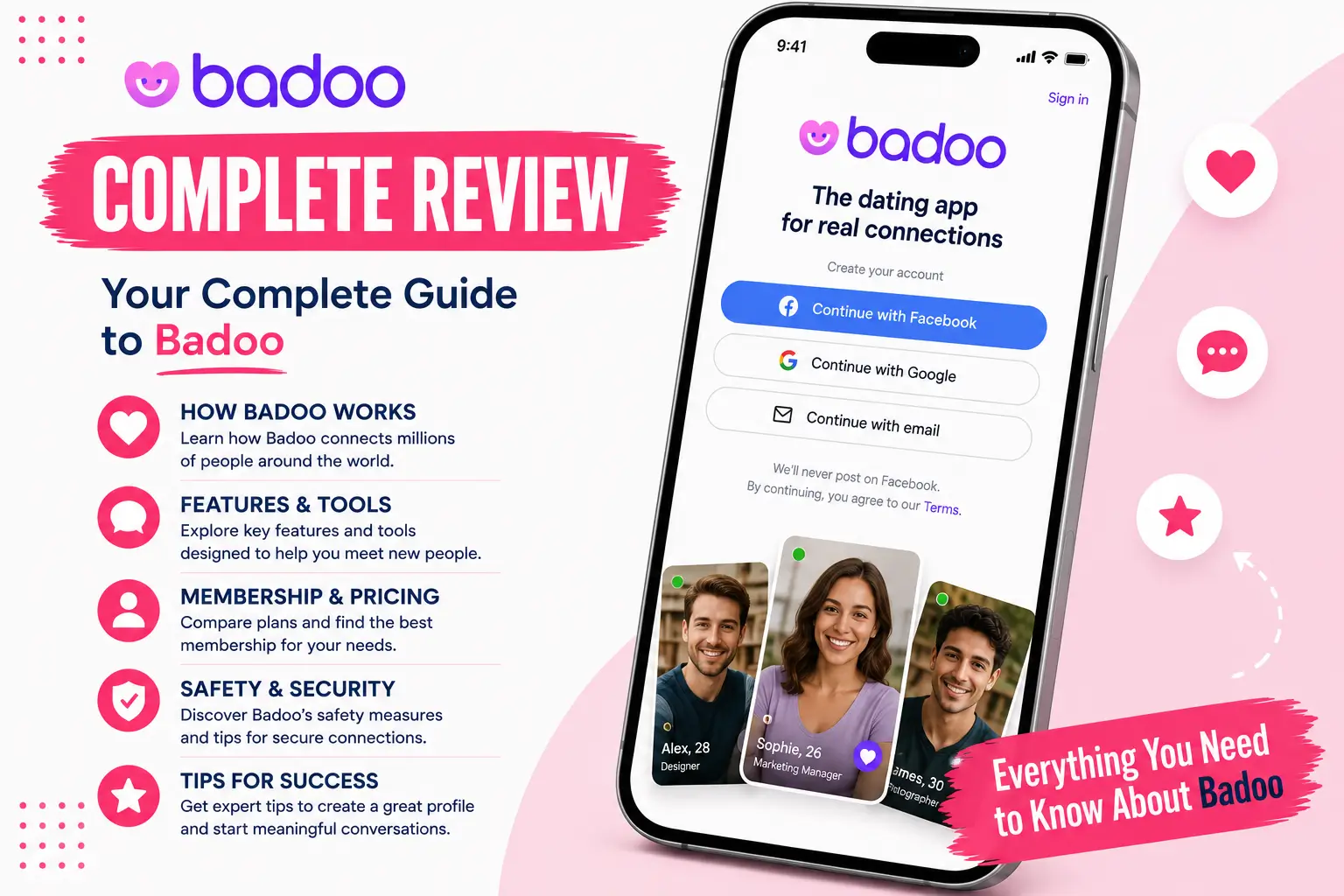
Choosing an online relationship platform requires a clear understanding of its local database density, user verification laws, and billing terms. Launched in 2006, Badoo (commonly known as the Badoo dating app or Badoo dating site) remains one of the largest global location-based social networks, operating a massive infrastructure that serves hundreds of millions of users across international borders.
Under its current corporate parent company, Bumble Inc., the platform has completely overhauled its native application layout. It now balances proximity-based directory searches with live interactive safety triggers, screenshot protection, and a hybrid monetization system that uses both monthly subscriptions and microtransactions. This 2026 guide answers exactly what Badoo is, evaluates whether it is a good dating app for your goals, breaks down its hidden costs, and outlines the precise steps needed to delete your account permanently.
The Facts in Brief
- Best For. Users seeking a highly localized, high-volume social registry who want the flexibility to toggle between casual dating and long-term matching.
- The Format. A dual-discovery system featuring “Encounters” (a rapid, swipe-based match deck) alongside “People Nearby” (a real-time grid based on your exact GPS coordinates).
- Monetization. A freemium model combining free basic interactions with tier subscription packages (Badoo Premium) and a standalone virtual currency wallet.
- Safety Features. Mandatory automated face-to-photo verification checks, explicit text filters, screenshot protection blockers, and “Private Detector” (an AI system that automatically blurs inappropriate images in chats).
- Accessibility. Optimized native mobile applications (Badoo APK and iOS downloads) alongside a fully functional Badoo web browser dashboard.
Also worth reading: Plenty of Fish Review: Mechanics, Pricing, and Account Safety in 2026
How Does Badoo Work? The Location Grid vs. Encounters
The core engine of Badoo operates differently than standard closed dating registries. Instead of hiding the user database behind a blind card deck, the platform splits discovery into two distinct areas.
The People Nearby Grid
When you access the Badoo website or mobile Badoo app interface, your primary feed is populated by the “People Nearby” grid.
- The GPS Filter. This layout displays a live, updating matrix of user profile cards sorted strictly by geographic proximity. You can see people who are within a few hundred feet of your current location.
- The Intersection Feature. If you cross paths with another active user in the real world—whether you are walking through a park, sitting in a coffee shop, or commuting—the application logs that event using background location tracking. When you open the app later, it shows you exactly whose path you crossed, where it happened on a localized map, and how many times you have been in the same general vicinity.
- Activity Toggles. The grid can be sorted using an online status filter. This lets you move active profiles to the top of your screen while pushing users who haven’t opened the app in a week to the bottom.
The Encounters Swipe Stack
The “Encounters” section functions like a traditional swiping mechanic, but with an algorithmic twist. The system uses your age filters, gender settings, and location data to show you full-screen profile cards one by one.
- The Controls. You click the heart icon (or swipe right) to like, and the cross icon (or swipe left) to pass. You can also tap the photo to expand the user’s full bio, view their linked Instagram or Spotify accounts, and check their shared interest tags.
- The Match Trigger. If both accounts log a positive swipe, the system triggers a mutual connection, opening a direct chat channel. Unlike other apps, Badoo allows users to send a single “Intro Message” to someone in the Encounters stack before matching, though this feature is heavily limited for free accounts.
Can You Use Badoo for Free?
Yes, Badoo remains highly usable without an active credit card, but free accounts have strict visibility caps and message limits designed to prevent database spamming.
Free Account Capabilities
- Profile Setup. You can build a complete profile card, fill out your relationship goals, link your social media accounts, and upload up to 6 profile pictures to the public feed.
- Open Browsing. You can browse the complete local "People Nearby" grid and view unblurred profile descriptions and images without paying a dime.
- Standard Messaging. You can send text messages, share emojis, and send built-in GIFs to users you have successfully matched with in the Encounters stack.
- Basic Filters. You can utilize basic search parameters like age brackets, gender identity, and baseline distance thresholds to clean up your feed.
Locked Premium Features
If you stay on a free account, the core system limits your direct outreach tools to encourage you to buy a plan:
- The Likes Grid. You cannot view the identities of users who have liked your card in the Encounters stack. If someone swipes right on you, their picture in your notifications remains behind a heavy blur filter unless you happen to swipe right on them naturally during normal browsing.
- First Contact Privileges. You cannot initiate a conversation with highly popular local profiles. If a profile receives a high volume of daily messages, the system locks their inbox for free users, requiring you to use premium credits to bypass the gate.
- Incognito Mode. Free profiles are always visible on the public location grid and cannot hide their active online status or browse other profiles anonymously.
In-App Safety Ecosystem: AI Filters, Screenshot Blocks, and Selfie Requests
Because Badoo attracts a massive volume of users, its safety system relies on explicit technological barriers built directly into the chat engine to prevent scamming, catfishing, and harassment.
The Private Detector AI Filter
Badoo utilizes Bumble Inc.'s automated Private Detector system to monitor image exchanges within the chat interface.
- How it works. When a user sends an image containing explicit content, partial nudity, or inappropriate material, the server-side machine learning engine automatically intercepts it before it downloads to your phone.
- The Interface. The image is immediately blurred on the recipient's screen. The app displays an overlay warning text stating that the message appears to contain explicit material. The recipient is given a clear choice: they can tap a button to block and report the user immediately, or they can tap a separate confirmation button to manually unblur and view the image. This keeps users from being exposed to unwanted explicit photos.
Hard-Coded Screenshot Protection
To protect user privacy and stop conversations, private photos, or personal information from being distributed outside the application without consent, Badoo enforces strict Screenshot Block parameters inside the chat window.
- Android Devices. The application interface blocks system-level screen capture entirely. If a user tries to take a screenshot or use a built-in screen recorder inside a private chat window, the Android OS blocks the action and generates a completely black file image.
- iOS Devices. Due to iOS operating system limitations, screen capture cannot be entirely blocked at the hardware level. Instead, the Badoo chat engine detects the hardware button combination instantly. The moment a user takes a screenshot, the app logs the event and sends an immediate automated notification alert to the other user, flagging exactly what happened.
The In-Chat Selfie Request
While Badoo features standard account verification during sign-up, users can enforce an extra real-time verification process during a live conversation via the Selfie Request mechanism.
- The Target. This tool allows users to verify a match's identity while actively chatting, which is especially useful if the person they are talking to does not already carry a verified profile badge.
- The Trigger. When you click the camera icon with the shield inside the chat options, the other user's interface locks. The app forces them to open their front-facing camera within Badoo to snap a live photo replicating a random on-screen physical pose (such as holding up three fingers or waving at the camera).
- The Rule. The user cannot upload an old picture from their phone's camera roll or apply any face filters. They have a short timer to complete the pose. If they refuse, ignore the prompt, or fail the pose match, the chat interface remains locked, and you can safely unmatch them.
Tiers and Add-Ons: Badoo Premium vs. Badoo Extra
Badoo operates using two separate payment models: monthly recurring flat-rate subscriptions and single-use virtual credits.
Badoo Premium and Badoo Extra Costs
Upgrading to Badoo Premium removes system advertisements, unlocks your "Likes You" directory, enables Incognito mode, allows you to undo accidental left swipes, and lets you talk to new users first.
The table below breaks down verified retail pricing tiers for 2026.
| Plan Length | Badoo Premium Rate | Badoo Extra Rate (Extended Perks) | Total Upfront Billing |
| 1 Week | $5.99 / week | $8.99 / week | Charged weekly |
| 1 Month | $19.99 / month | $27.99 / month | Single payment |
| 3 Months | $14.99 / month | $19.99 / month | Billed upfront |
| 6 Months | $9.99 / month | $13.99 / month | Billed upfront |
The Weekly Billing Trap. Badoo heavily promotes its entry-level weekly subscription rate to new profiles. This contract functions on an aggressive auto-renewing cycle. If you fail to disable the billing trigger manually inside your app store settings, your account will be charged $5.99 every seven days, costing you nearly $24 a month for a basic tier.
While Badoo Premium handles basic visibility upgrades, purchasing Badoo Extra unlocks deep operational tracking tools:
- Read Receipts. Allows you to view the exact timestamp showing when a match read your private message.
- High-Priority Delivery. Pushes your sent chat messages to the absolute top of your recipient's inbox notifications, making sure your text doesn't get buried under free messages.
- Token Cashbacks. Automatically awards bonus virtual credits to your wallet every time you renew your monthly billing cycle.
The In-App Credit Wallet
Separate from your subscription, you can purchase virtual credits to activate short-term visibility boosts:
- 100 Credits. $2.99
- 550 Credits. $9.99
- 1,250 Credits. $19.99
You spend these credits to activate short-term visibility boosts:
- Rise Up (50 Credits). Pushes your profile photo to the absolute top of the local "People Nearby" grid for 30 minutes, maximizing your local views.
- Extra Displays (100 Credits). Displays your profile card directly in the active swiping queue of 1,000 local users in Encounters, giving you a quick burst of match activity.
Two Things the Reviews Miss: Badoo Database Behavior and Device Variance
Before you enter your payment details, you should know how the application's underlying database behaves across different devices and platforms.
1. Badoo Web vs. Mobile App Features
The badoo desktop website and the native mobile apps handle location data and transactions differently. Purchasing a premium tier subscription via a standard web browser often bypasses Apple App Store or Google Play service fees, making the pricing plans slightly cheaper. However, proximity tracking features like "Crossed Paths" require active mobile GPS telemetry to log data accurately, meaning the desktop web browser version relies on less precise static IP location routing.
Because Badoo is owned by Bumble Inc., it shares central security, database, and moderation infrastructure with the primary Bumble platform. If your account gets flagged, reported, or banned on Bumble for behavioral violations, safety breaches, or severe harassment, the database automatically cross-references your phone number, device ID, and verified face data. This triggers an automatic, permanent lockout from Badoo as well, even if you have never committed a single violation on Badoo itself.
How to Cancel Auto-Renewal and Delete Your Badoo Account Safely
billing cycle or close your account. You must turn off auto-renewal manually through the exact billing system you used to make the purchase.
Step 1: Turn Off Automatic Billing
- For Purchases via Web Browser. Log into your account on the badoo official website -> Open your Settings wheel -> Scroll down to Payment Settings -> Click Unsubscribe and confirm your choice.
- For Purchases via Apple App Store. Open your iPhone system Settings app -> Tap your Apple ID banner at the top -> Choose Subscriptions -> Select Badoo -> Tap Cancel Subscription.
- For Purchases via Google Play Store. Open the Google Play Store app on your device -> Tap your circular profile icon -> Select Payments & Subscriptions -> Tap Subscriptions -> Select Badoo -> Tap Cancel.
Step 2: Delete Badoo Account Permanently
Once your active billing contracts have ended and your profile returns to the basic free tier, you can execute a full deletion.
1.Access your profile settings:Open account overview.
Log into your profile dashboard through the app or website, tap the Profile icon in the lower corner, and click the Gear icon to open your account settings.
2.Locate the account management controls:Modify account status.
Scroll to the absolute bottom of the main settings overview page and find the line item labeled 'Account'. Select it to proceed.
3.Select the account deletion option:Bypass retention offers.
Look for the 'Delete Account' link hidden at the bottom of the management page. The app will show you alternative choices like freezing your account or turning off notifications; click 'Delete Account anyway'.
4.Confirm final profile deletion:Execute database purge.
Select your reason for leaving from the survey list, enter your account password alongside the verification captcha, and click the final 'Delete Account' button to permanently clear your data. To ensure your archived records are fully wiped under privacy laws, you can send a quick email to support@badoo.com requesting a complete personal data purge.
Badoo Customer Support and Help Channels
Badoo does not maintain an active, toll-free customer support phone number for technical help or billing disputes. Be careful of any phone numbers you find via online search engine results claiming to be the "Badoo Customer Support Phone Number"—these are always fraudulent tech-support scams trying to steal your account passwords or credit card numbers.
All real support queries must go through digital channels:
- Online Feedback Form. Submit a support ticket directly through the official contact section in the Badoo Help Center.
- Social Media Teams. For urgent account lockouts or safety appeals, reaching out directly to their verified support handles on social networks can speed up response times. Response times usually range between 24 and 48 hours.
Practical Profile Layouts and High-Response Chat Openers
Because Badoo is a fast-moving, highly visual platform, your profile text and opening messages need to be clear and engaging to get noticed.
Avoid lazy conversation starters like "Hey." Use these practical templates to make your profile stand out:
1. High-Converting Profile Headlines & Bios
Keep your description concise and filled with concrete details about your routine so local users have an easy way to start a conversation.
- The Travel & Hobby Setup. "My perfect weekend involves working on my latest photography projects or exploring local bike trails. Always down for spontaneous road trips or trying out a new coffee spot."
- The Local Explorer Setup. "New to the area and looking for someone to show me the best street tacos or live music spots around the city. Tell me your absolute favorite hidden venue."
2. Location-Based Conversation Openers
When messaging a match, call out a specific detail in their profile or use your shared location to break the ice naturally.
- The Neighborhood Opener. "I noticed you're also a fan of that park downtown! Have you checked out the new coffee shop that opened right across the street, or do you have another favorite spot?"
- The Hobby Opener. "Your bio says you love vintage arcade games. Are you more of a casual player, or are you actually competitive on the local leaderboards?"
Is Badoo a good dating platform?
Badoo is an exceptionally powerful, legitimate social network if you live in a highly populated urban center, want to browse local users using real-time GPS grids, and prefer a platform that doesn't limit basic profile viewing. Its automated face verifications, in-chat screenshot blocks, and AI-powered blur filters make it a remarkably safe and active space for casual dating and meeting new people nearby.
However, if you are looking for a highly structured matching system or live in a rural area with low user density, the credit-heavy monetization system can feel overly expensive. By managing your weekly subscription renewal settings carefully, utilizing your mandatory video safety verification, and filtering your searches by active online status, Badoo provides an incredibly large, global network to launch your search.
Nothing spoils your enthusiasm faster than realizing a promising profile has been using someone else’s vacation photos or automated messages. Sticking to communities that enforce hands-on manual verification gives you the reassurance you need before sharing personal stories. To keep your search safe and focused on real compatibility, explore safe dating platforms for meeting real singles across Europe without running into inactive accounts.

Chris Newman is a renowned dating expert and passionate writer. Through his writing, Chris aims to empower readers with the knowledge and tools necessary to build meaningful connections, enhance self-confidence, and overcome obstacles in their romantic journeys.
His articles and blog posts cover a wide range of topics, including dating tips, relationship advice, self-improvement, and personal growth. Chris is known for his ability to break down complex concepts into practical, actionable steps, making his guidance accessible to readers of all backgrounds.