
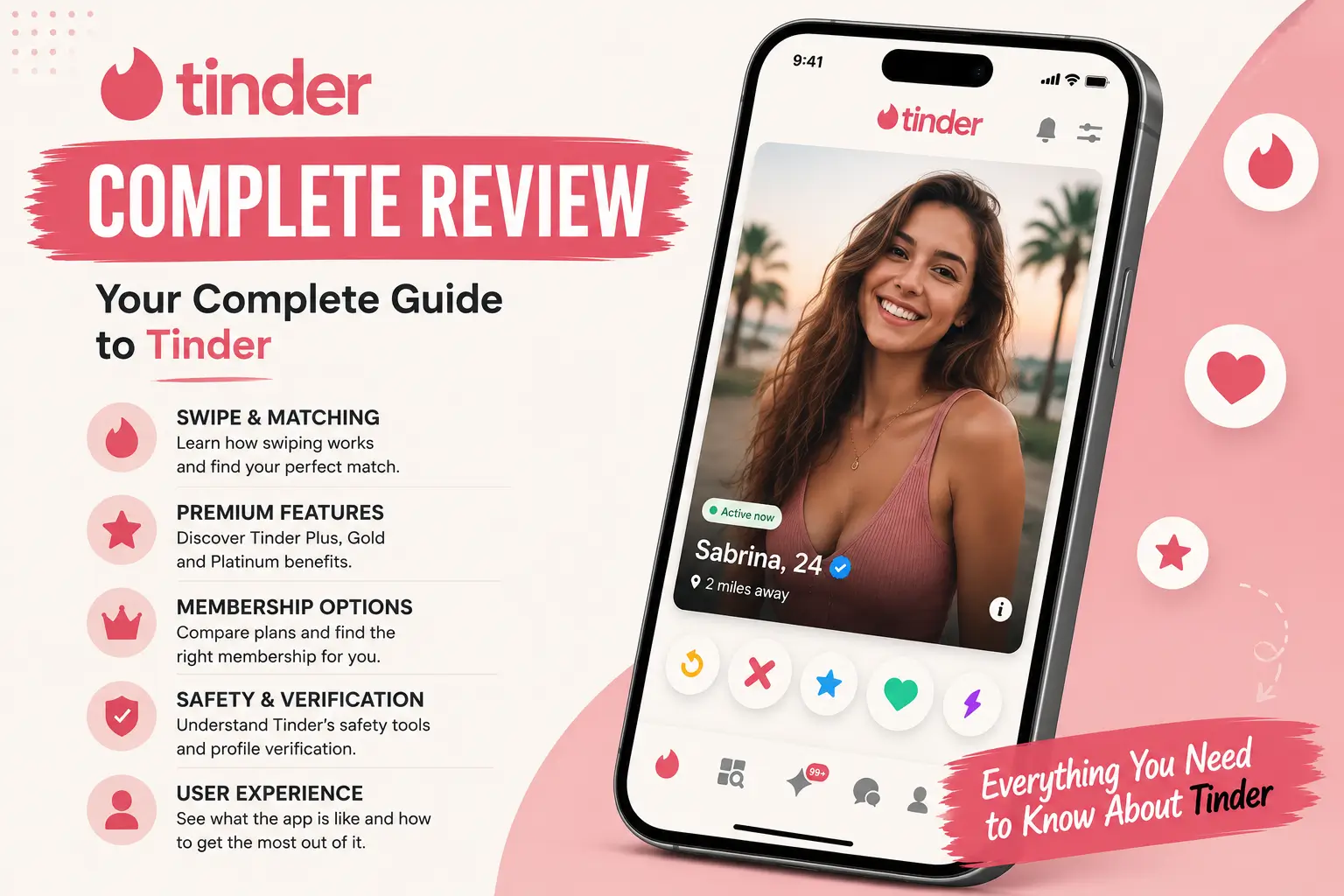
Dating apps are a normal part of life now, but the rules keep changing. Tinder is still the biggest matching app in the world, but it is no longer the simple platform where you just wait your turn in line.
Today, the app is run by a business model that watches how you swipe, asks you to prove who you are, and constantly pushes you to pay. This guide looks at how Tinder actually works today, what the paid plans really cost, how to keep the system from hiding your profile, and how to safely close your account if you are ready to move on.
Tinder at a Glance
- Best For. People in busy areas who want the largest possible pool of singles and prefer making quick, visual choices.
- How It Works. The classic swipe-and-match. You can only message someone after you both swipe right on each other.
- Paid Options. The free version is highly limited. Tinder offers four paid options: Plus, Gold, Platinum, and the invite-only Select tier.
- Safety. A quick video-selfie check to prove you are real, a tool to share your date details with friends, and an Incognito mode to stay hidden.
How the Tinder Algorithm Actually Works
Tinder does not show profiles in your town in chronological order. Instead, the app acts like a strict nightclub bouncer, using a hidden internal rating system to decide who sees your profile and how often. If you do not play by the algorithm’s unwritten rules, your profile gets buried where nobody can see it.
Your Internal Rating
The app monitors your behavior and quietly punishes your profile if you make these common mistakes:
- Swiping too fast. If you swipe right on everyone without looking at their photos or reading their bios, the app flags you as an automated spam bot. Once flagged, your profile’s visibility to other local users drops to near zero.
- Ignoring matches. Collecting matches like trophies without ever sending a message or replying to people tells the system that your account is dead weight. Tinder wants active conversations, so it pushes unresponsive users to the back of the queue.
- The Blue Checkmark. Profiles that complete the quick video-selfie check get shown to more people. This helps Tinder fight fake accounts and catfishes. The system keeps track of banned profiles; if you try to make a new account using photos from an old, banned profile, the system will recognize them and immediately flag your new account.
Also worth reading: eHarmony in 2026: Algorithm Math, Prices, and Cancellation Rules
The Truth About the “Shadowban”
If your matches suddenly stop, you might think you have been secretly banned. Usually, it just means the app has penalized your profile rating. If you constantly delete and restart your account, swipe right on everyone, or get rejected (swiped left) by almost everyone you see, your rating drops. You can still swipe all day, but your card is placed at the very bottom of the deck where no one will ever see it.
How to Reset Your Profile Rating: A 48-Hour Plan
If you feel your profile is buried, do not immediately delete your account—deleting and recreating it too quickly actually triggers a spam flag. Instead, use this recovery plan to fix your rating:
- Verify your profile: Complete the video-selfie check immediately to get your blue checkmark. This is the fastest way to prove to the system you are real.
- Fill out everything: Fill in 100% of your profile details, including your “Dating Goals” (e.g., “Long-term partner” or “Short-term fun”). The system rewards complete profiles with better visibility.
- Take a 48-hour break: Stop swiping entirely for two full days. Let the system register you as inactive so it can reset your queue status.
- Be selective: When you return, swipe right on only 30% to 40% of the profiles you see. Show the app you are a genuine, thoughtful user.
Tinder's Swiping Limits: Free Accounts vs. Paid Upgrades
You can use Tinder for free, but the app is designed to make the free experience just annoying enough to make you reach for your credit card.
What you can do for free:
- Upload up to nine photos, write a short bio, and choose your interests.
- Swipe on local profiles within your set distance.
- Message anyone you have a mutual match with.
The paywalls that will frustrate you:
- Daily Swipe Limits: Free accounts run out of likes (usually around 50 to 100 every 24 hours, depending on how busy the app is in your area).
- The Blurred "Beeline": When someone likes your profile, their photo is blurred. You cannot see who they are or match with them instantly unless you pay.
- No Rewind: If you accidentally swipe left on someone you liked, you cannot go back on a free account.
What Does Tinder Cost in 2026?
Tinder now heavily promotes weekly plans. These are meant for people who only want to use the app for a few days and do not want to commit to a full month.
Here is what the pricing looks like today:
- Tinder Plus: $14.99 per week / $24.99 per month / $89.99 for 6 months upfront ($15.00/mo) Includes: Unlimited likes, unlimited Rewinds, Passport (swipe in other cities), no ads, and Incognito mode.
- Tinder Gold: $19.99 per week / $34.99 per month / $109.99 for 6 months upfront ($18.33/mo) Includes: Everything in Plus, the ability to see who liked you, a daily list of top picks, 5 weekly Super Likes, and 1 free Boost per month.
- Tinder Platinum: $24.99 per week / $49.99 per month / $149.99 for 6 months upfront ($25.00/mo) Includes: Everything in Gold, "Priority Likes" (your card is shown first to people you like), and the ability to attach a note to a Super Like before matching.
Which Subscription is Right for You?
Before entering your card details, it helps to understand what you are actually buying. Tinder's packages serve very different purposes:
- Tinder Plus is best if your main concern is privacy or location. If you want to use Incognito Mode to hide your profile from coworkers, or if you want to use Passport to swipe in a city you are visiting next week, this is all you need.
- Tinder Gold is the best value for saving time. It is designed for busy people who do not want to spend hours swiping. You can simply open your "Likes You" folder and choose from the people who have already swiped right on you.
- Tinder Platinum is only worth the extra cost if you live in a highly competitive, densely populated city (like London, New York, or Tokyo). In these areas, the "Priority Likes" feature is crucial because it pushes your card to the top of your matches' decks, saving you from getting lost in their high volume of incoming swipes.
Tinder Select: The VIP Tier
For users willing to spend a significant amount, Tinder offers Tinder Select for $499 a month. Fewer than 1% of users are invited. You have to apply, have a highly rated profile, and pass a safety check. It allows you to message popular accounts directly without matching first and keeps your profile unblurred on their screens. Unless you have a massive budget and a professionally photographed profile, skip this entirely.
Money-Saving Tip: Buying your subscription through the Apple App Store or Google Play Store usually costs 15% to 30% more because of app store fees. If you log into Tinder through a web browser (tinder.com) and pay with a card there, you will usually get a much cheaper price for the exact same plan.
Extra Paid Features and "Fine Print" Limits
If you do not want a subscription, you can buy individual features. Be aware of how these features are limited:
- Tinder Boost: Pushes your profile to the top of everyone's deck in your area for 30 minutes. It costs $6.99 for one use (cheaper in packages). Note: Gold and Platinum subscriptions only include 1 free Boost per month. Do not subscribe just for the Boosts; it is cheaper to buy them on a free account if you only need them occasionally.
- Super Likes: Shows someone you really like them by putting a bright blue border around your card. They cost around $2.99 each when bought in a pack of 5. Note: Paid subscriptions now limit you to 5 Super Likes per week, rather than the old daily allowance.
- Read Receipts: Lets you see if a match has opened your message. They are sold in small packs starting around $1.99.
Safety and App Rules to Keep in Mind on Tinder
Tinder is a massive platform, which means you need to protect your own boundaries and understand how the platform limits your control.
1. No Photo Sharing in Chats
You cannot send photos directly from your phone's camera roll in a chat. You can only send GIFs or link your Spotify account. This keeps the chat environment safer and prevents people from sending unsolicited images, but it also means you have to move to another app if you want to share photos.
2. Screenshots are Private
Tinder does not notify users if you take a screenshot of their profile, photos, or chat history. There are no alerts like on Snapchat. Always assume that whatever you write or share can be saved by the other person. Use the premium Incognito Mode if you require absolute profile privacy.
If you are going out with someone new, you can use the Share My Date tool. It creates a simple web link containing your match's photo, name, and the location and time of your date. You can text this link to friends or family, and they can view it even if they do not use Tinder.
4. You Cannot Change Your Name or Age
Double-check your details when you sign up. Once your account is live, you cannot change your display name or your birthday. If you made a mistake, your only option is to delete the account and start over.
How to Cancel Your Subscription and Delete Your Account
Simply deleting the app icon from your phone will not stop Tinder from charging your card. You must cancel the subscription through your phone's system settings.
How to Turn Off Auto-Renewal:
- On an iPhone: Go to your iPhone Settings -> Tap your name at the top -> Tap "Subscriptions" -> Select Tinder and tap "Cancel Subscription."
- On an Android: Open the Google Play Store -> Tap your profile icon -> Go to "Payments & Subscriptions" -> Tap "Subscriptions" -> Select Tinder and cancel.
- If you paid on the website: Log into tinder.com, open your profile settings, go to "Manage Payment Account," and turn off auto-renewal.
The Step Everyone Forgets: Download Your Data First
If you plan to delete your account permanently, you should request a copy of your personal data first. Under privacy laws (like GDPR and CCPA), Tinder must show you what they have saved, including your exact message history, every swipe you have ever made, and your internal account logs.
- Go to the data portal at account.gotinder.com.
- Log in using your Tinder account details.
- Select "Download My Data".
- Enter your email address. Tinder will compile your file and send you a secure link within 1 to 2 days.
- Note: You must do this before deleting your account. Once your profile is gone, you can never access this history again.
How to Permanently Delete Your Account:
Once your subscription is canceled and you have downloaded your data, you can delete your profile:
- Open Tinder, go to your profile, and tap the Settings gear icon.
- Scroll to the very bottom of the menu.
- Tap "Delete Account".
- The app will ask if you just want to "pause" your account (which just hides your profile from discovery). Tap past this and select "Delete My Account".
- Choose your reason for leaving and confirm. This permanently erases your matches, messages, and photos from Tinder's database.
Three Simple Tinder Bio Templates That Work
Because people swipe quickly on Tinder, they rarely read long profiles. Your bio should be short, friendly, and give the other person an easy question to answer.
Here are three templates you can customize and use:
Template 1: The "Two Truths and a Lie" (Fun & Interactive)
Two truths and a lie:
- I walked 50 miles on a solo camping trip.
- I roast my own coffee beans at home.
- I once won a local trivia night dressed as a pirate.
Guess the lie to win a free drink on our first date!
Template 2: The "Pros and Cons" (Playful & Honest)
Pros: — Can cook a great dinner without burning the house down. — Will gladly share the aux cord on road trips. — Loves hiking, but equally happy staying in for movie nights.
Cons: — Will probably talk too much about the plot of Dune. — My camera gear takes up way too much closet space.
Template 3: The "Unpopular Opinion" (Great for Filtering)
Unpopular opinion: Drip coffee is actually better than a fancy latte.
When I'm not defending my coffee choices, I'm riding my bike, taking photos of old buildings, or looking for the best street tacos in town. Tell me your most controversial food take.
Is Tinder Premium Worth It?
Tinder is still one of the most effective tools for meeting people simply because it has the largest number of users. If you live in a populated area and want to see as many options as possible, you will find them here.
However, the constant push to buy upgrades can feel tiring. Paying for a subscription is only worth it if you want to save time. If you have a busy schedule and want to skip the endless swiping by going straight to the list of people who already liked you, buy Tinder Gold. If you have plenty of time to swipe and do not mind the daily limit, the free version—combined with a verified profile and an engaging bio—is more than enough to get results.

Chris Newman is a renowned dating expert and passionate writer. Through his writing, Chris aims to empower readers with the knowledge and tools necessary to build meaningful connections, enhance self-confidence, and overcome obstacles in their romantic journeys.
His articles and blog posts cover a wide range of topics, including dating tips, relationship advice, self-improvement, and personal growth. Chris is known for his ability to break down complex concepts into practical, actionable steps, making his guidance accessible to readers of all backgrounds.